Open a farm, see the herd
Head counts for 16 species, visit notes with photos, and one tap to call, WhatsApp or navigate.
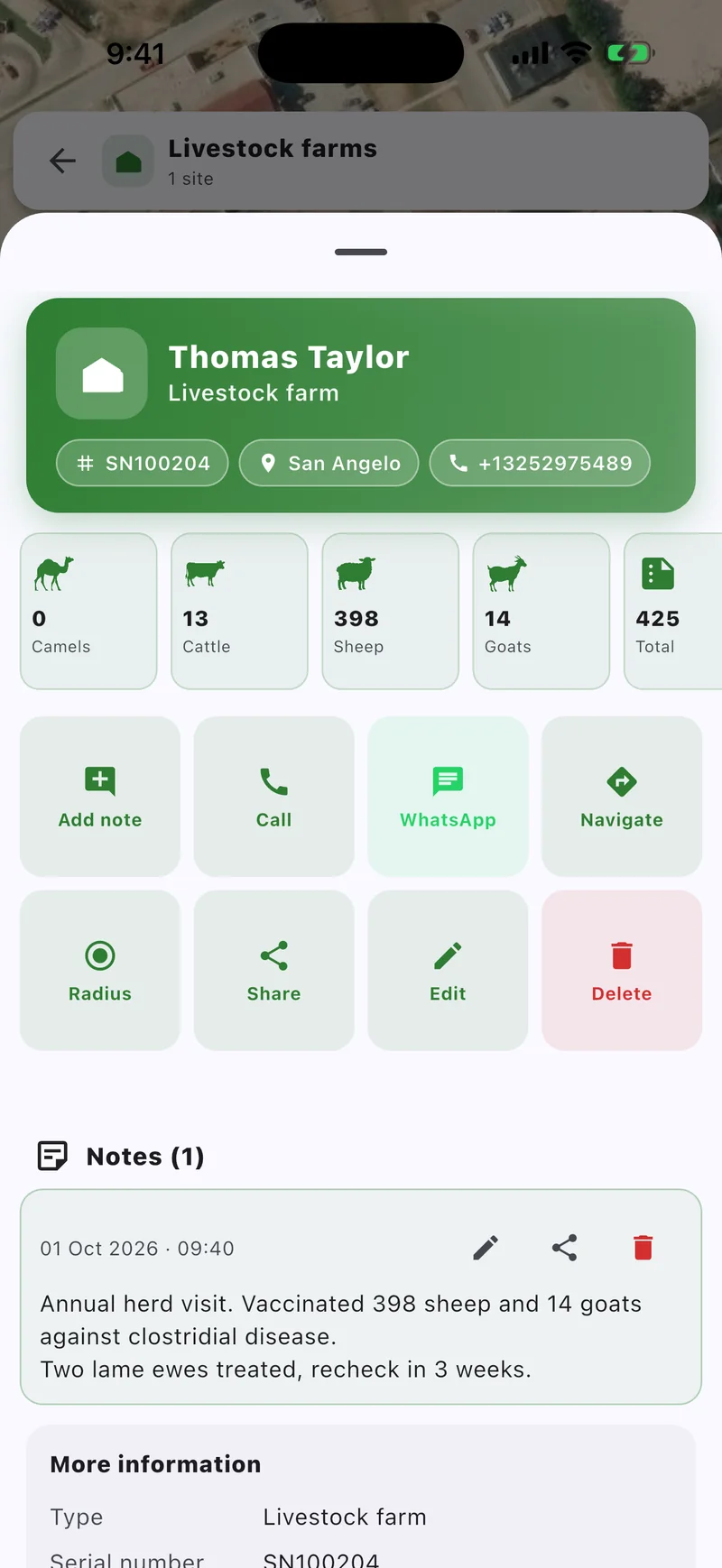
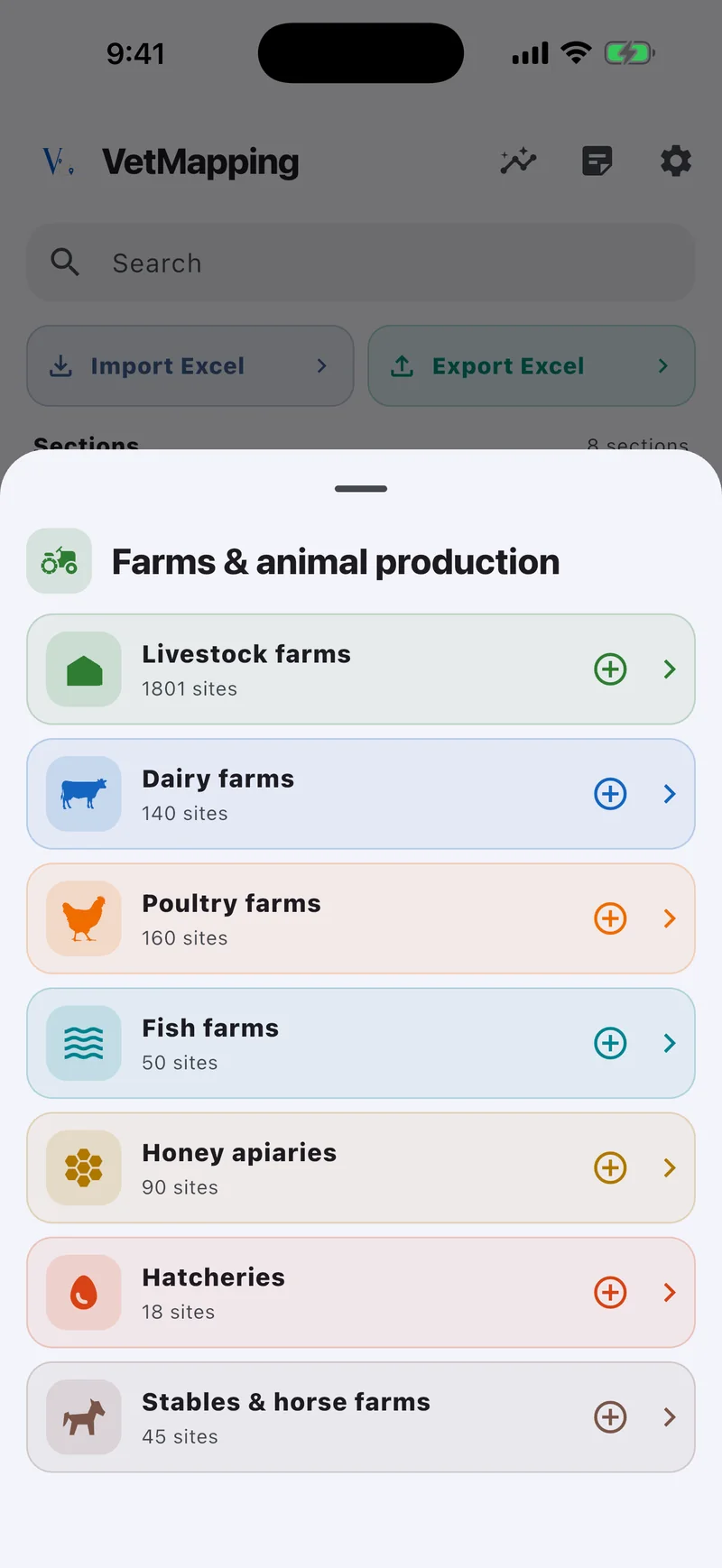
Farms, clinics and markets with their head counts, visit notes and phone numbers. For vets and veterinary services.


iPhone · iPad · Android
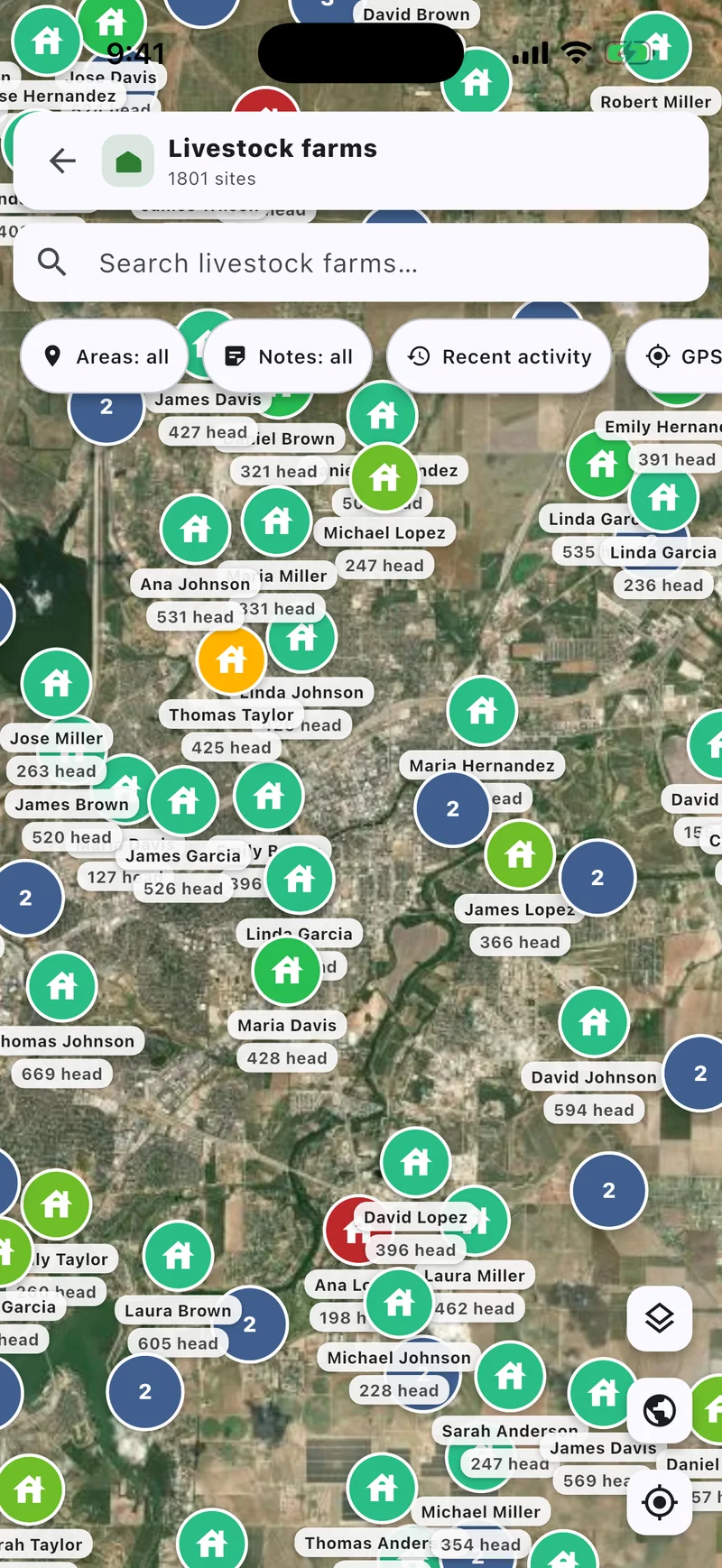
Head counts for 16 species, visit notes with photos, and one tap to call, WhatsApp or navigate.
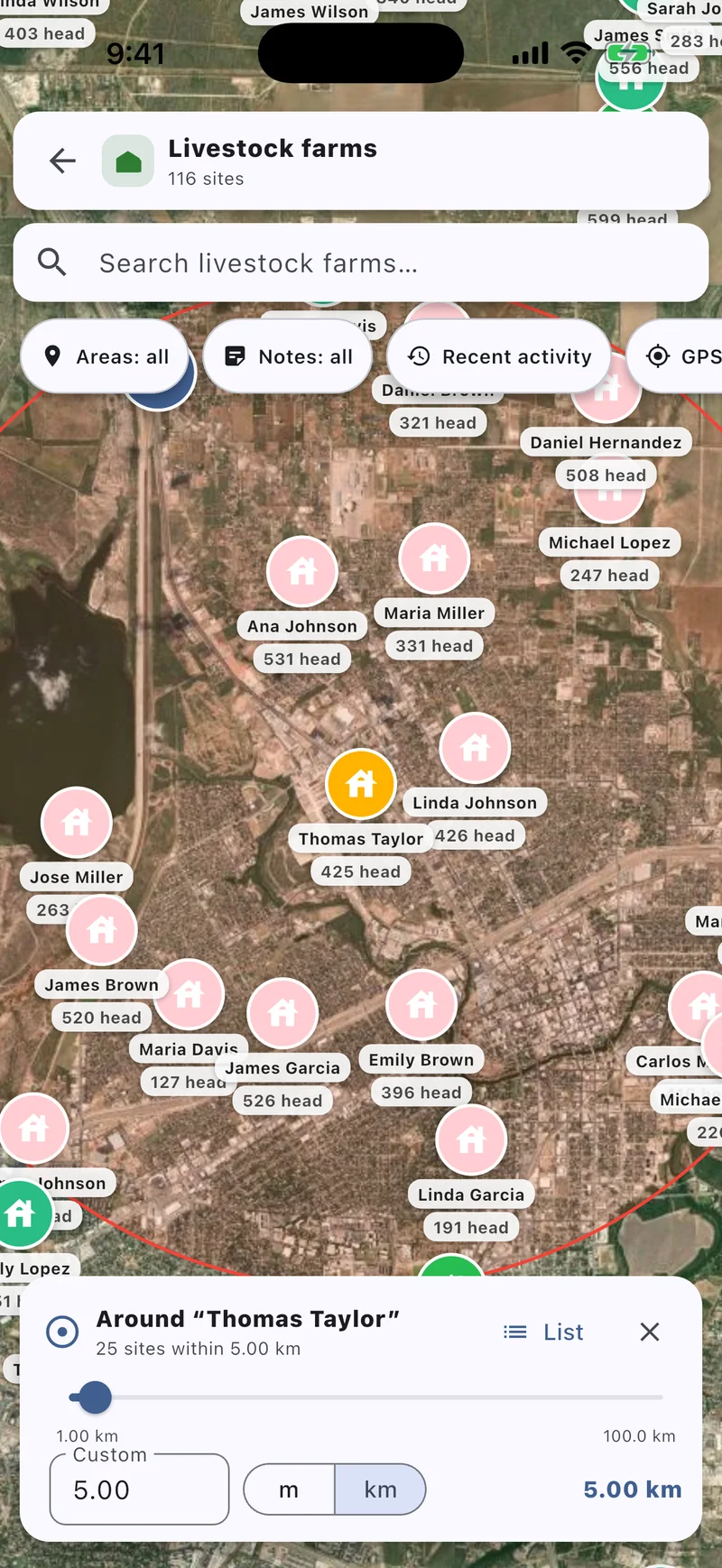
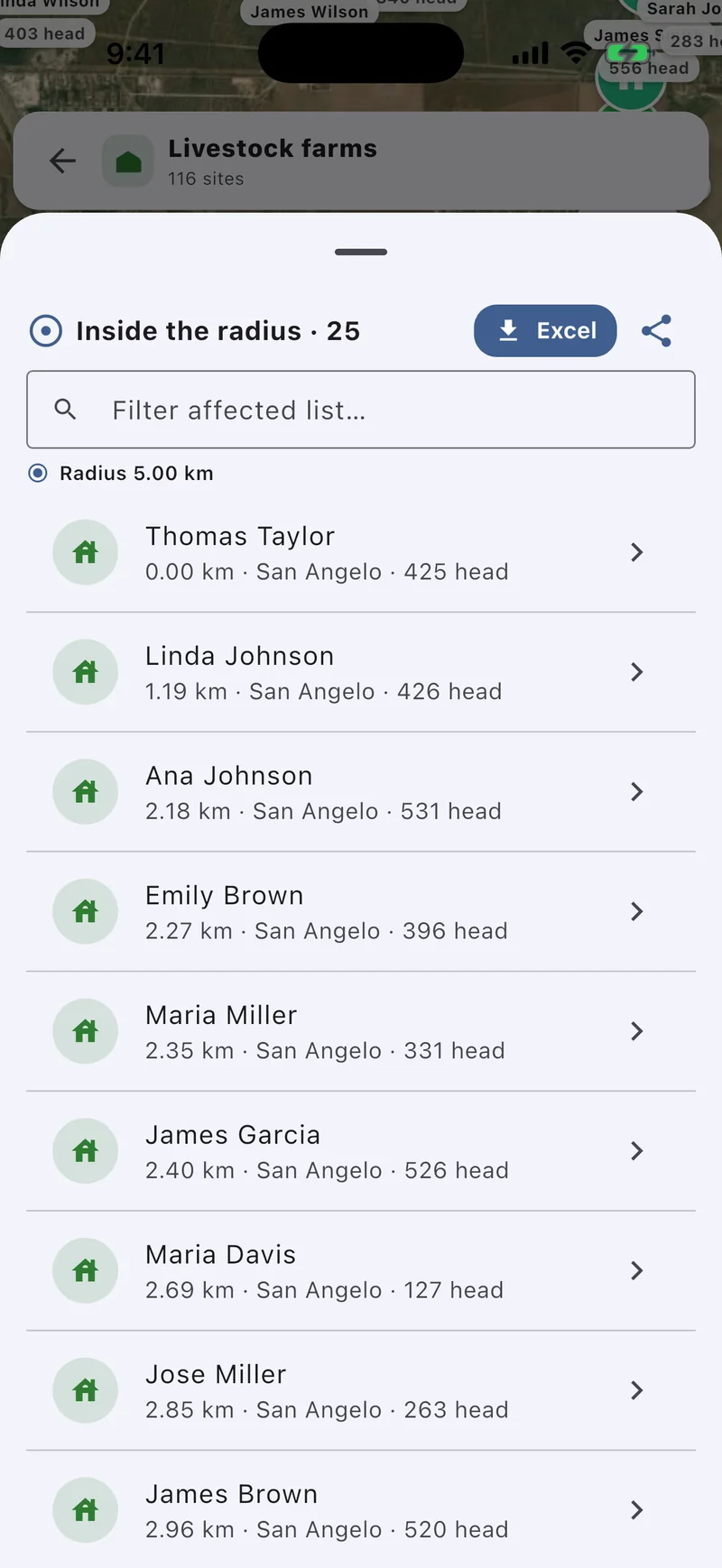
Draw a radius from 100 m to 100 km. Get the farms inside, nearest first, and export the list to Excel.
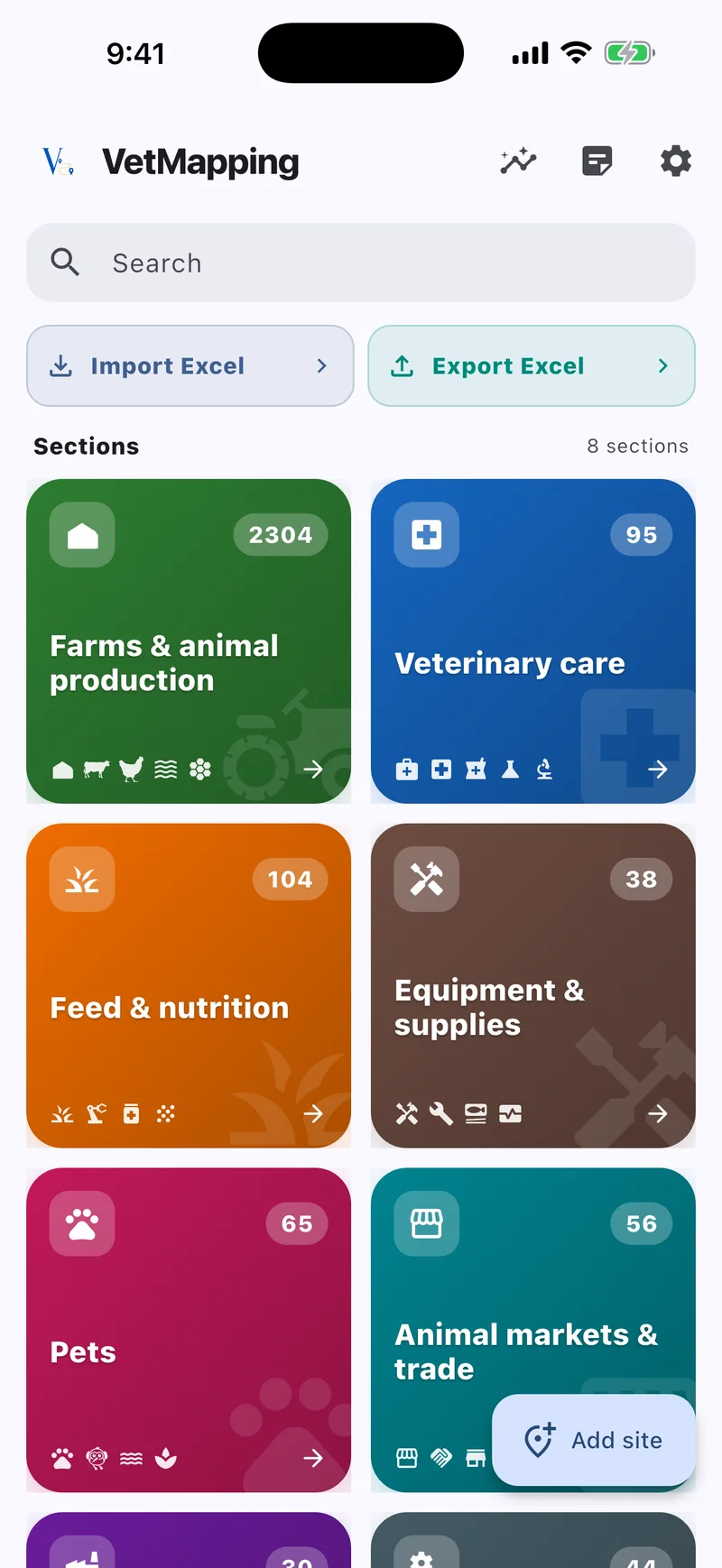
Import your Excel registry. Columns are matched for you, even with Arabic headers. Export any list back.
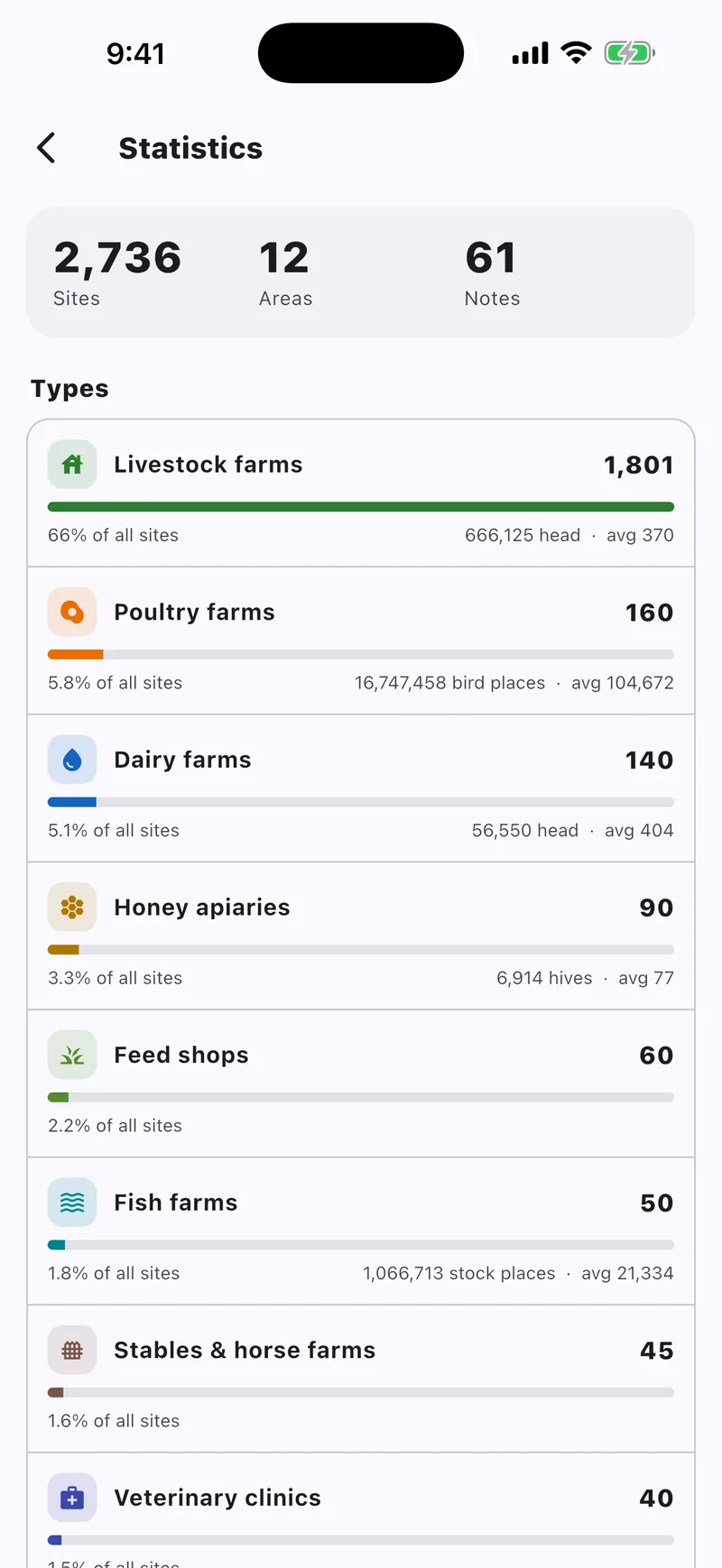
Sites, head counts and averages for every type of site, ready for the monthly report.
List every farm within 3 and 10 km of a case, with head counts and phone numbers.
Import the ministry's sheet and work through it area by area, farm by farm.
Keep notes and photos on each farm. Farms that need a return visit show in red.
Totals and head counts by type of site, exported to Excel in the columns you need.
Export everything as one file and send it. Your colleague merges it into their data. No server, no accounts.
Your records do. Map imagery needs a connection to load.
On your phone. There is no account and no server.
Yes. Columns are matched automatically, and any row that can't be read is listed.
Export a backup from Settings and send it. Your colleague can merge it into their data or replace theirs with it.
No. It's a one-time purchase.